
Google Gemini Omni Brings New AI That Creates Videos and Edits Conversations


What Is Google Gemini Omni?
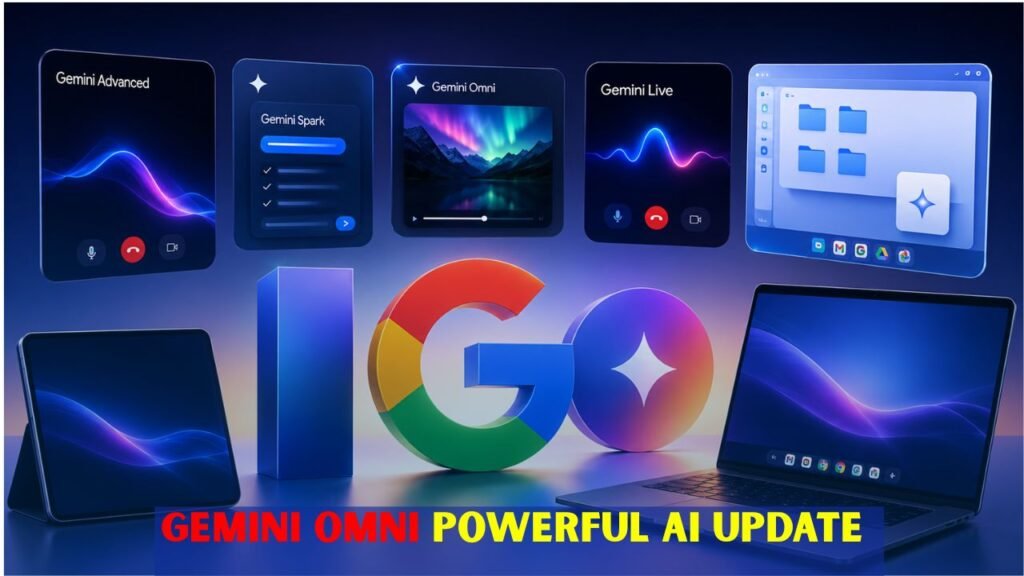
Google Gemini Omni, an AI model, can make and change videos from different types of input. It can create motion-based content from text prompts, photographs, audio, video clips and style references. Instead of relying purely on complex editing software, users can simply say what they want in plain language. The model then attempts to interpret the instruction and generate a video result that is consistent with it. This makes it easier for beginners to create visual content and helps pros test ideas faster. Gemini Omni is part of Google’s wider AI ecosystem and is designed to bridge reasoning and creative media generation. This is supposed to make video creation faster, easier and more flexible for the average user.
 Sony RX10 V Review Explains Why This Premium Camera May Not Be the Best Upgrade for Every Buyer
- It can create videos from text, images, audio, and video inputs.
- It uses Gemini’s reasoning ability with generative media tools.
- It helps users create videos without advanced editing knowledge.
How Conversational Video Editing Works
Conversational video editing is a new way to edit videos where the users can just type the instructions instead of dealing with complex timelines, layers or manual controls. For example, a user can ask Gemini Omni to change the background, add a new object, change the camera angle, improve lighting or make the scene look more cinematic. Every new instruction stacks on top of the previous one, so the video can be improved step by step. editing is just like a normal chat. Especially useful for people with creative ideas who are not familiar with professional editing tools. Gemini Omni makes editing a more natural, quicker and user-friendly process.
 Redmi Note 17 Pro Specifications Confirm Bigger Battery Stronger Build and Faster Performance
- Users can edit videos by giving regular text instructions.
- It can change backgrounds, objects, lighting and camera moves.
- You can apply multiple edits in sequence.
- It makes complex video editing software unnecessary.
Main Benefits for Creators and Businesses
Gemini Omni can be very helpful for content creators, small businesses, social media managers, educators and marketing teams. This can help them with creating short videos, product demos, educational explainers, ad concepts, and storytelling clips faster than the traditional ways. A business can explore several video ideas before going to full production. A simple explanation can turn into visual learning material by a teacher. The creator can take a rough idea and make a polished video draft. The tool operates through natural prompts and thus can shorten production time and reduce the technical barrier. This makes creating high-quality videos more accessible, especially for people who don’t have a lot of resources or experience editing.
 Samsung Galaxy Z Fold 8 Leak Reveals Display Camera and Battery Upgrades Ahead of Official Launch
- Creators can create video drafts faster.
- Teachers can make simple videos.
- It is easier for social media teams to create short-form content.
- Reduces time, cost and technical difficulty.
Safety, Watermarking, and Responsible Use
AI video tools are powerful and so it’s very important to use them responsibly. Gemini Omni is for honest, creative, educational and professional purposes. Users should not create misleading videos, fake news, harmful deepfakes, or content that infringes on another person’s privacy. They also need to make sure they have the rights to any image, audio or video they upload. Google employs safety systems and watermarking technologies such as SynthID to aid in the detection of AI-generated content. These protections notwithstanding, users should carefully review outputs before publishing. Gemini Omni is best used to support creativity while maintaining trust, transparency, and respect for real people.
- Users should refrain from creating AI-generated videos that are deceptive or harmful
- You must own the uploaded media or have a valid license to use it
- AI-generated content should be fact-checked before publishing
- Watermarking can help you to identify AI-generated content.
| Feature | What It Means | Main Benefit | Best Use Case |
|---|---|---|---|
| Multimodal Input | Uses text, images, audio, and videos | More flexible creation | Turning ideas into video scenes |
| Video Generation | Creates videos from prompts or references | Faster content production | Social media clips and demos |
| Conversational Editing | Edits videos through normal language | No complex editing skills needed | Changing background, lighting, or style |
| Step-by-Step Refinement | Allows multiple edits in one workflow | Better control over final output | Improving a video draft gradually |
| Creative Templates | Offers ready-made styles and formats | Quick starting point | Reels, Shorts, ads, and explainers |
| AI Avatar Support | Can help create personalized video appearances | More engaging content | Brand videos and creator content |
| Watermarking | Uses AI identification technology | Improves transparency | Responsible publishing |
Conclusion
AI video creation is getting simpler, faster and more interactive, according to Google Gemini Omni. It employs conversational editing with multimodal input, enabling users to make videos from ideas without having expert editing skills. It can assist creators, educators, marketers and businesses to produce better visual content, with less effort. But this technology has to be used by the users responsibly. Always be mindful of copyright and privacy and transparency and content safety. Gemini Omni used properly can be a wonderful creative partner in today’s video production.
